

MyHeritage Matches
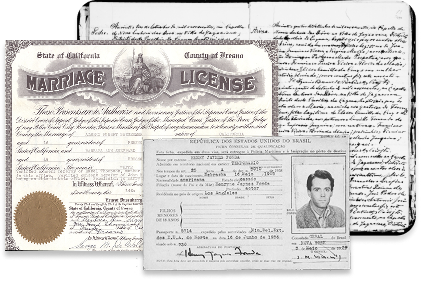
Get automatic ancestor matches from billions of MyHeritage records and save them as sources in FamilySearch Family Tree.
You may need a paid subscription in order to view content on MyHeritage.
How to get started
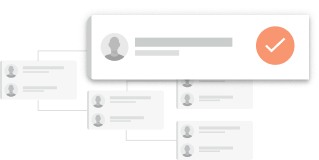
Step 1Select an ancestor
Go to FamilySearch Family Tree and click on the name of someone you want to learn more about. Then click the Person button in the panel that appears.
Step 2Select a match
You can find MyHeritage Matches in the Research Help on the sidebar of the Person page. It may take a few moments to load.
Not seeing any? That means there aren’t any hints for the person. Try going to another person’s page.

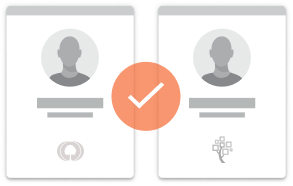
Step 3Review the match on MyHeritage
If the record is a match, you can easily attach the record as a source in the FamilySearch Family Tree.
About MyHeritage
MyHeritage is a leading global platform for family history that allows you to build your family tree and uncover your legacy through billions of international historical records.
38.7 billion
58 million
50
Historical Records
Family Trees
Languages